
Experiencing lag, delayed attacks, or unresponsive controls in Brawl Stars can make an otherwise great match frustrating. Sometimes, the problem is not your device but your internet connection.
One way to investigate connection problems is by checking your ping. Ping measures the time it takes for data to travel between your device and a destination, usually expressed in milliseconds (ms).
In this guide, you’ll learn how to check Brawl Stars ping, understand latency results, identify possible causes of lag, and discover practical ways to improve your connection.
What Is Ping in Brawl Stars?
Ping refers to the time required for data to travel across a network and receive a response. It is measured in milliseconds (ms).
In online games like Brawl Stars, latency can affect how quickly your actions appear to register during a match.
For example, when you move your Brawler, attack an opponent, or use your Super ability, network delays can make the game feel less responsive.
A lower ping generally means a faster response, while higher ping can contribute to noticeable delays.
How To Check Brawl Stars Ping
If you want to check your connection, you can start with an online ping testing tool.
1. Use an Online Brawl Stars Ping Test
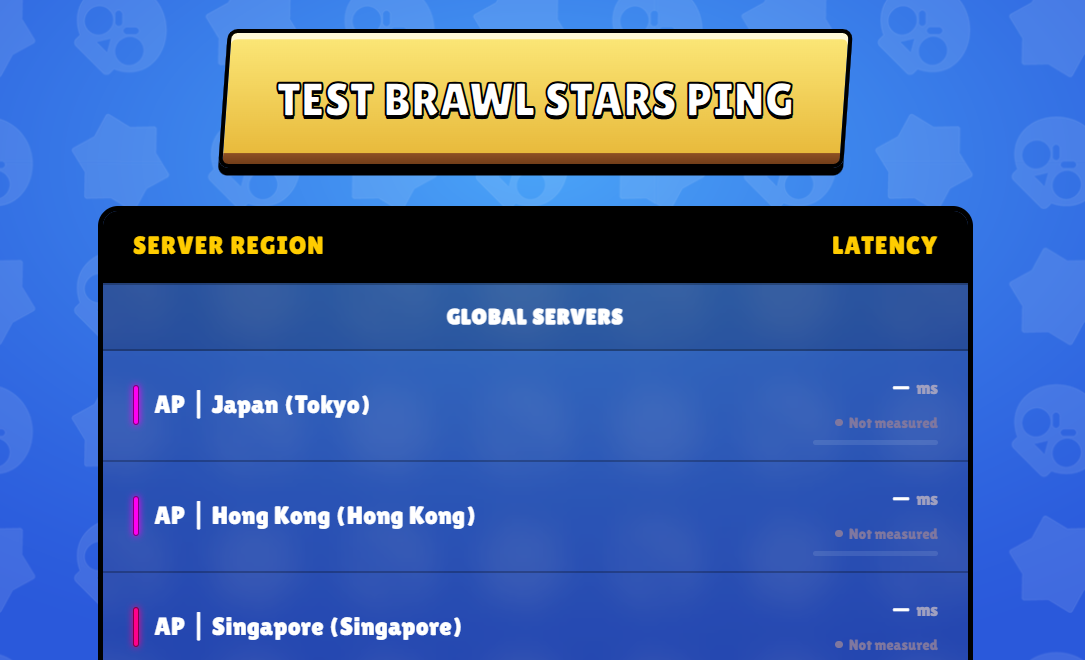
You can use our Brawl Stars Ping Test to check your network latency through a simple online interface.
The process is straightforward:
- Open the Brawl Stars Ping Test page.
- Start the test using the available testing option.
- Wait for the measurement to finish.
- Review the latency result displayed in milliseconds (ms).
The results can help you understand your connection’s responsiveness and identify potential network issues.
Keep in mind that an online latency test does not necessarily measure the exact connection between your device and Supercell’s game servers. Actual in-game latency may vary depending on your network route, server location, and current connection conditions.
Ready to test your connection? Check your Brawl Stars ping here.
2. Check Your Connection During a Match
An online test is useful, but you should also pay attention to how Brawl Stars behaves during actual gameplay.
Look for these signs:
- Delayed movement or attacks.
- Characters appearing to teleport.
- Actions registering later than expected.
- Frequent connection warnings.
- Sudden interruptions during matches.
If your connection performs well in a general test but you still experience lag in Brawl Stars, the issue could be related to routing, network congestion, or the game’s connection to its servers.
What Is a Good Ping for Brawl Stars?
Ping values can help you understand your connection quality. Although there is no universal threshold that guarantees a perfect Brawl Stars experience, these ranges provide a general reference.
| Ping | General Connection Quality |
|---|---|
| 0–30 ms | Excellent |
| 31–60 ms | Good |
| 61–100 ms | Moderate |
| 101–150 ms | High Latency |
| 150+ ms | Very High Latency |
These values are general networking guidelines, not official Supercell performance classifications.
Remember that ping is not the only factor that affects online gaming. Packet loss, jitter, Wi-Fi interference, and network stability can also influence your experience.
Why Is My Brawl Stars Ping So High?
There are several reasons why you might experience high latency while playing Brawl Stars.
1. Unstable Wi-Fi Connection
A weak wireless signal can cause inconsistent network performance. Walls, distance from your router, and interference from other devices may affect your connection.
2. Network Congestion
When multiple devices use the same internet connection, available bandwidth and network resources may become congested.
Streaming videos, downloading large files, and online backups can contribute to connection problems.
3. Distance and Network Routing
The physical distance between your location and the destination server can influence latency.
Your internet provider’s routing decisions can also affect how efficiently data travels across the network.
4. Mobile Network Problems
If you play using mobile data, signal strength and network congestion may cause fluctuations in latency.
Moving between cellular coverage areas can also interrupt connection stability.
5. Server-Side Issues
Sometimes, the problem is not your internet connection.
Temporary service disruptions, maintenance, or issues affecting the game’s infrastructure may cause connection problems for multiple players.
How To Reduce Lag in Brawl Stars
If you frequently experience lag, try these practical troubleshooting steps.
Use a Stable Internet Connection
Whenever possible, connect to a reliable Wi-Fi network with a strong signal. If you use mobile data, make sure you have adequate cellular coverage.
Restart Your Router
Restarting your router can sometimes resolve temporary network issues and restore a more stable connection.
Close Background Downloads
Pause large downloads, updates, and unnecessary streaming activities while playing.
Move Closer to Your Router
If you use Wi-Fi, reducing the distance between your device and router can improve signal quality.
Switch Between Wi-Fi and Mobile Data
Test both connection types when possible. One may provide more consistent latency than the other, depending on your location and network provider.
Check for Game Updates
Make sure you are running the latest version of Brawl Stars. Updates can include bug fixes and improvements that may help resolve certain gameplay issues.
Frequently Asked Questions
How Can I Check My Brawl Stars Ping?
You can use an online latency testing tool such as the Brawl Stars Ping Test to check your network response time in milliseconds.
What Is a Good Ping for Brawl Stars?
A ping below 60 ms is generally a good result for online gaming. However, connection stability and packet loss are also important factors.
Does High Ping Cause Lag in Brawl Stars?
High ping can cause delayed actions, slower responses, and other connection-related problems during matches.
Why Do I Have Good Internet but Still Experience Lag?
A fast internet connection does not always guarantee low latency. Network routing, congestion, packet loss, and server-side conditions can still affect gameplay.
Can I Reduce Brawl Stars Ping?
You can try using a more stable connection, reducing network congestion, restarting your router, and avoiding weak Wi-Fi signals. However, you cannot always control the latency introduced by your internet provider or the game’s infrastructure.
Is Ping the Same as Internet Speed?
No. Ping measures response time, while internet speed measures how quickly data can be transferred. A connection can have high download speeds but still experience high latency.
Final Thoughts
Checking your ping is a useful first step when investigating lag and connection problems in Brawl Stars.
Although several factors can affect online gameplay, understanding your latency can help you identify potential network issues and make better decisions about your internet connection.
If you want to check your connection, try our Brawl Stars Ping Test and see what your latency results look like before jumping into your next match.
